How to activate eSIM on iPhone — step by step (2026)
Before you start: check compatibility
Any iPhone XS or later supports eSIM. US-sold iPhone 14, 15 and 16 are eSIM-only (no physical tray). Spain-sold iPhones are dual: eSIM + nano-SIM.
Your iPhone must be unlocked (not carrier-locked). If you bought it on financing from Movistar/Orange/Vodafone, confirm with the previous carrier first.
Step 1 · Buy your VAMOS eSIM
Go to vamosmobil.es/en/esim, pick a plan (Standard 30 GB / Premium 80 GB / Trip 15 GB), and pay with Apple Pay, card or SEPA. Within 1-3 minutes you receive an email with a unique QR code.
Important: do NOT scan the QR yet. Make sure you're on WiFi — the initial activation has to download the eSIM profile from Apple's servers.
Step 2 · Scan the QR from Settings
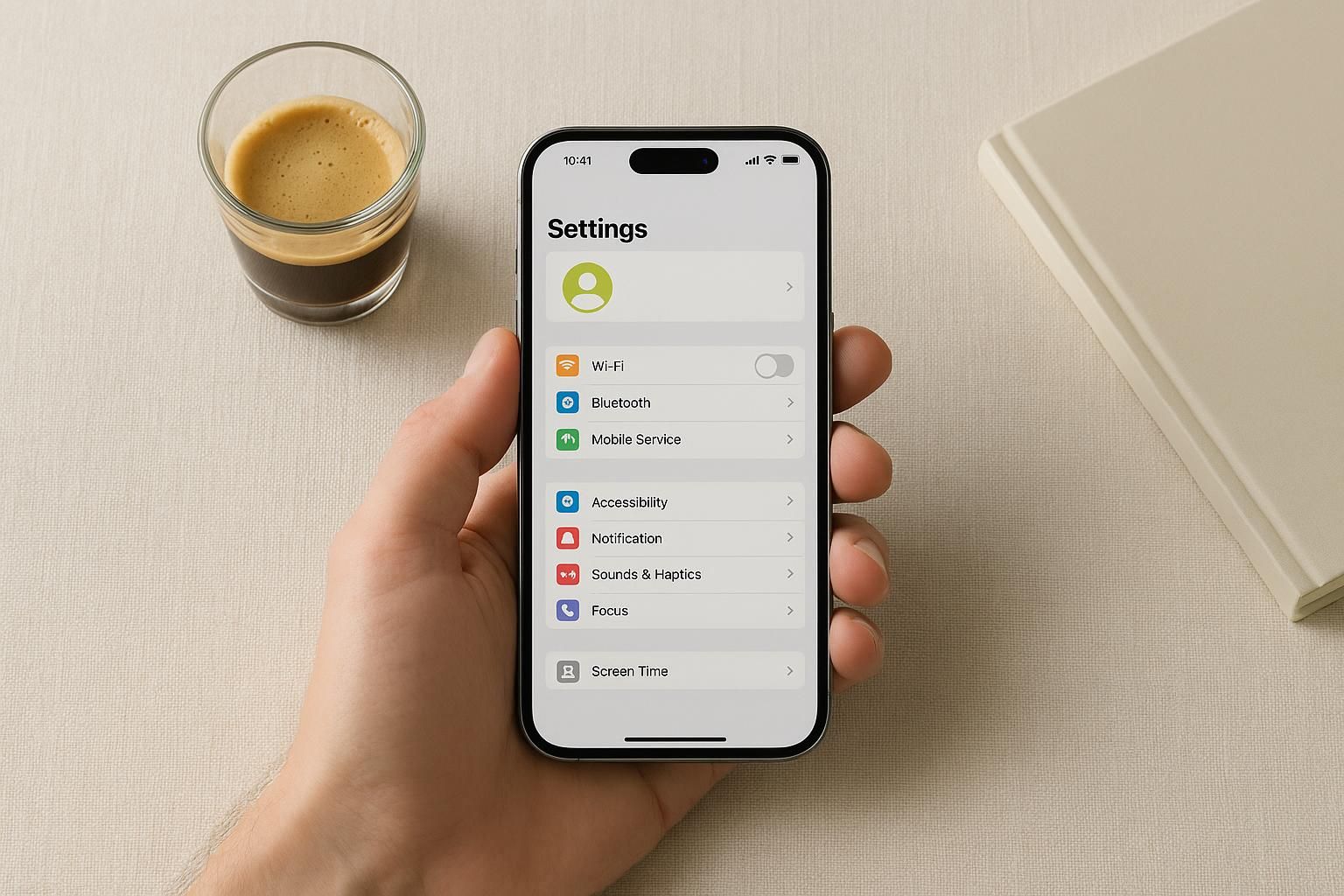
Open Settings → Cellular → Add eSIM → Use QR code. Point the camera at the QR from the email. iOS detects the profile and downloads the eSIM (5-15 seconds).
If you can't scan the QR (e.g. another device blocks it), use Enter Details Manually and type the SM-DP+ address and activation code from the email.
Step 3 · Label and assign
iOS asks how you want to name the new line. We recommend VAMOS or Work if you'll keep dual lines. Makes switching during calls or WhatsApp easy.
Also pick which line is the default for calls, iMessage and data. For nomads using VAMOS as their Spanish main number: choose VAMOS for all three.
Step 4 · Enable mobile data and verify
Confirm that in Settings → Cellular → VAMOS line, the Cellular Data toggle is on. Without it, the eSIM has voice service but no internet.
Step outside (walls dampen 4G/5G) and open fast.com or speedtest.net. Typical speeds: 200-500 Mbps on urban 5G, 50-150 Mbps on 4G.
Common errors and fixes
No service: reboot the iPhone (off → on). Fixes 90% of cases. If not, check Settings → General → About — IMEI 2 should be visible, confirming the eSIM loaded.
Roaming on in Spain: go to Settings → Cellular → VAMOS line → Data Roaming. Should be OFF in Spain, ON only when travelling EU.
QR already used: each QR is single-use. If you scanned it on a test device by accident, ping us in chat and we'll re-issue in 5 minutes.